What your archive can do for you
Less filing, faster answers, complete records. This is what Masterdesk® takes off your team's desk.
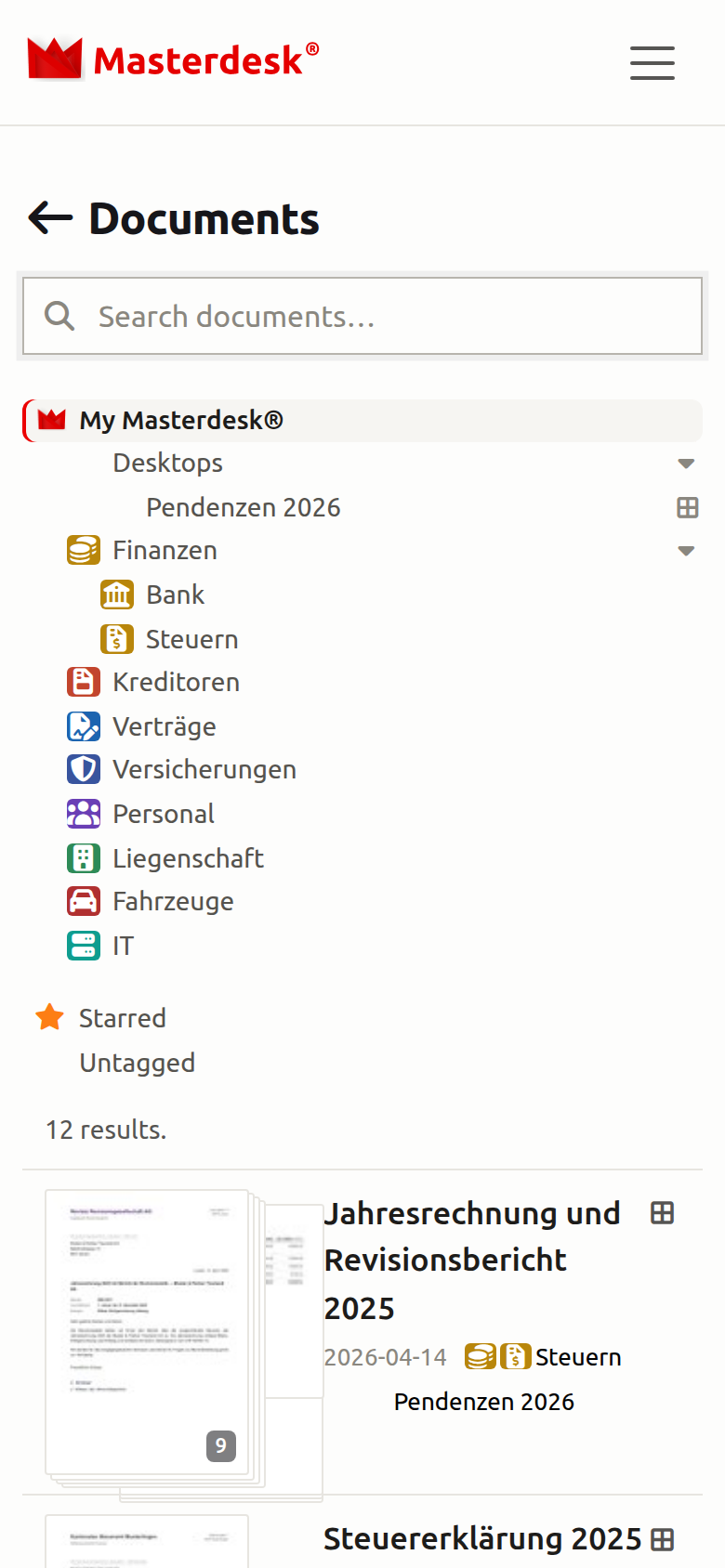
The day's mail, without the data entry
Drop in whatever arrives — one file, dozens at a time, or through a watched folder. Masterdesk turns every page into searchable text and knows what each document is before you've poured a coffee.
- Many files at once — whole scan folders in one go instead of file by file
- Auto-import — a watched folder pulls in new scans on its own
- Document type recognised — invoice, reminder, contract, receipt, statement, letter
- Split a batch scan — when one scan holds several documents, separate them with a click at the page you choose
- Batch & box labels — the paper original stays findable on the shelf
You see the connections, not loose sheets
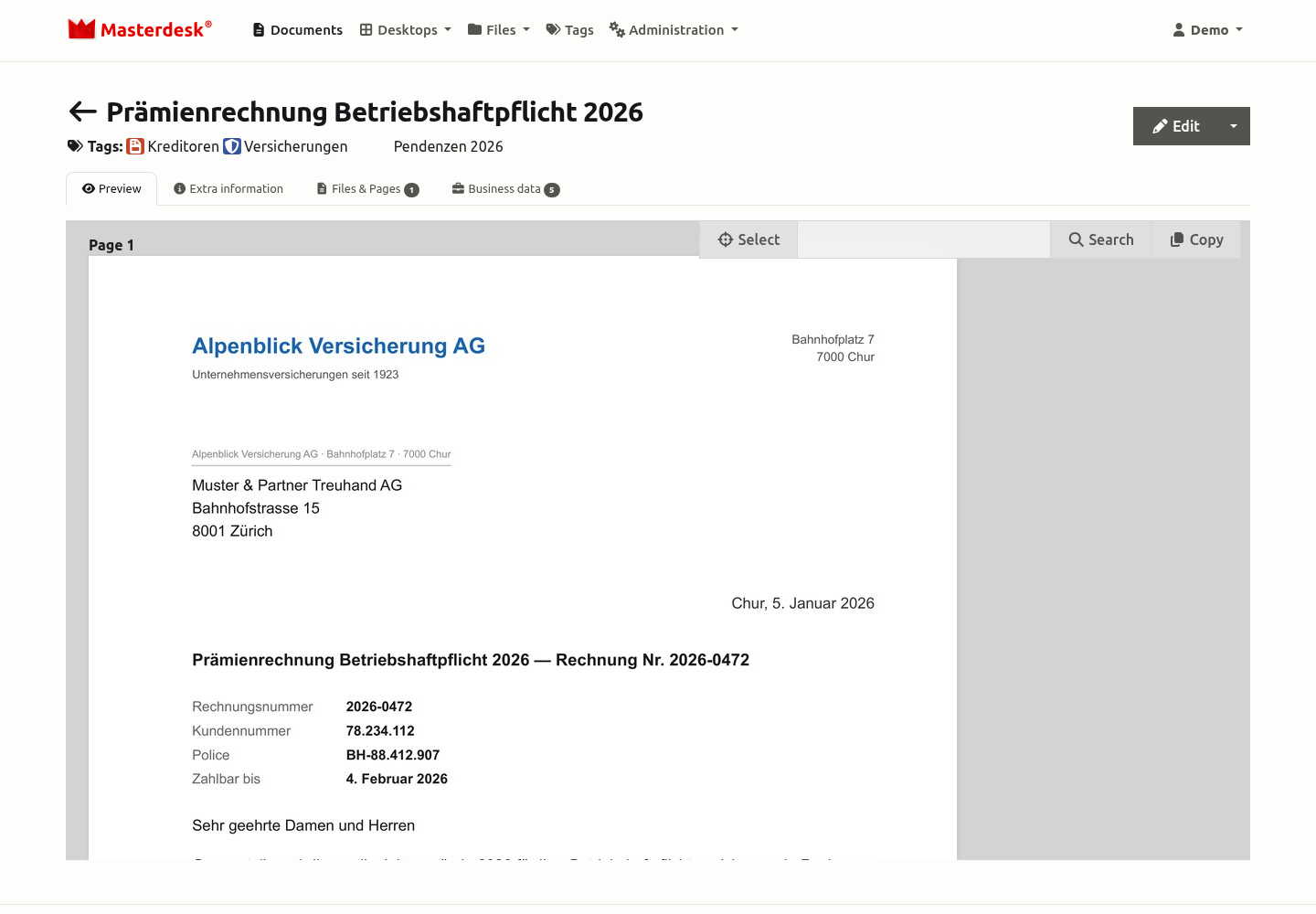
A folder tree tells you where a document sits. Masterdesk tells you what it belongs to: which company, which number, which case — across the entire archive.
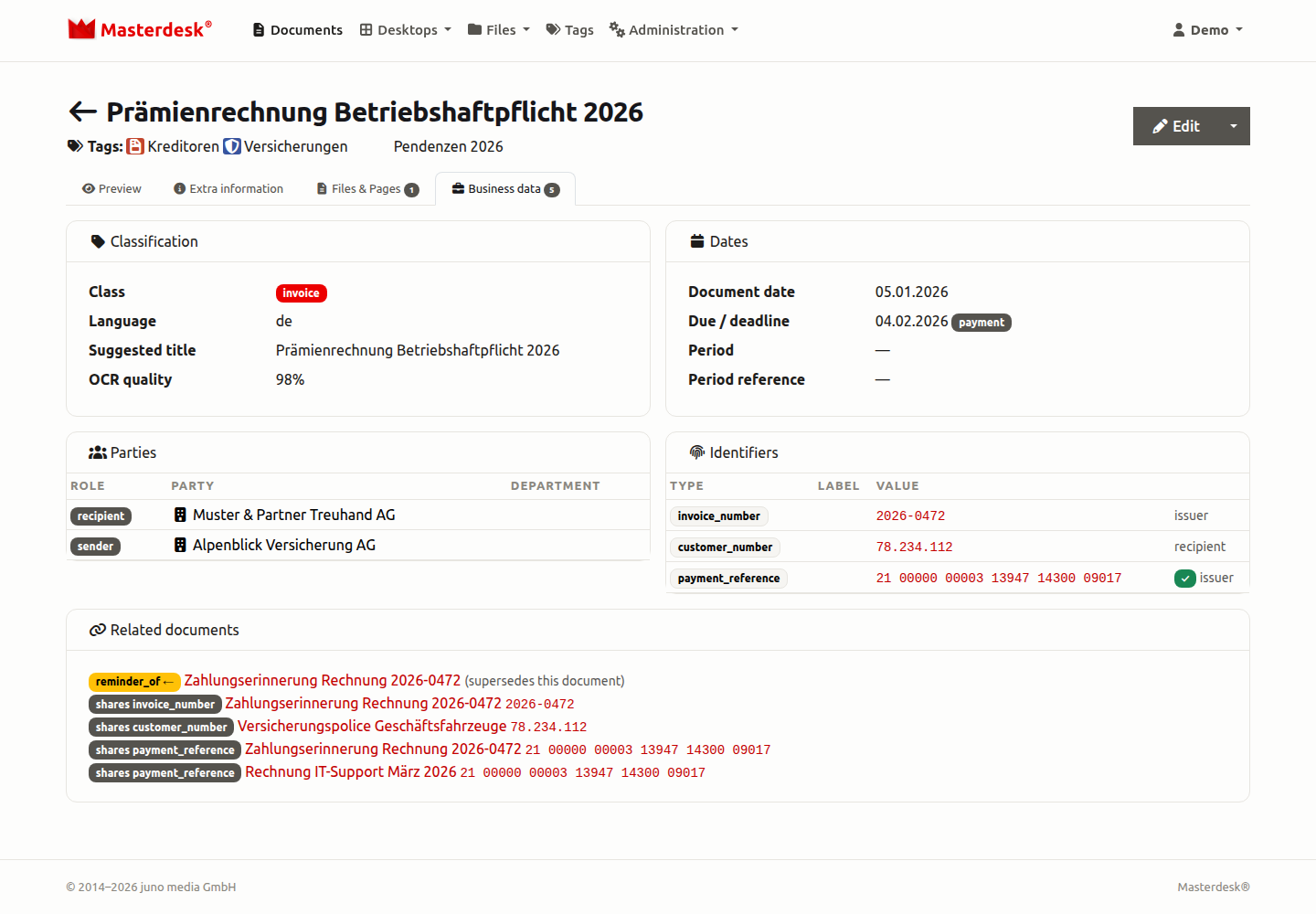
- One file per company and person — every sender, recipient and mention with a complete history
- Every reference captured — invoice, customer, contract and case numbers, payment references, IBANs
- Business cases assemble as they go — a reminder is linked to its invoice as soon as both are in
- Ask the document — the AI console answers questions about any single document
You find what you can only describe
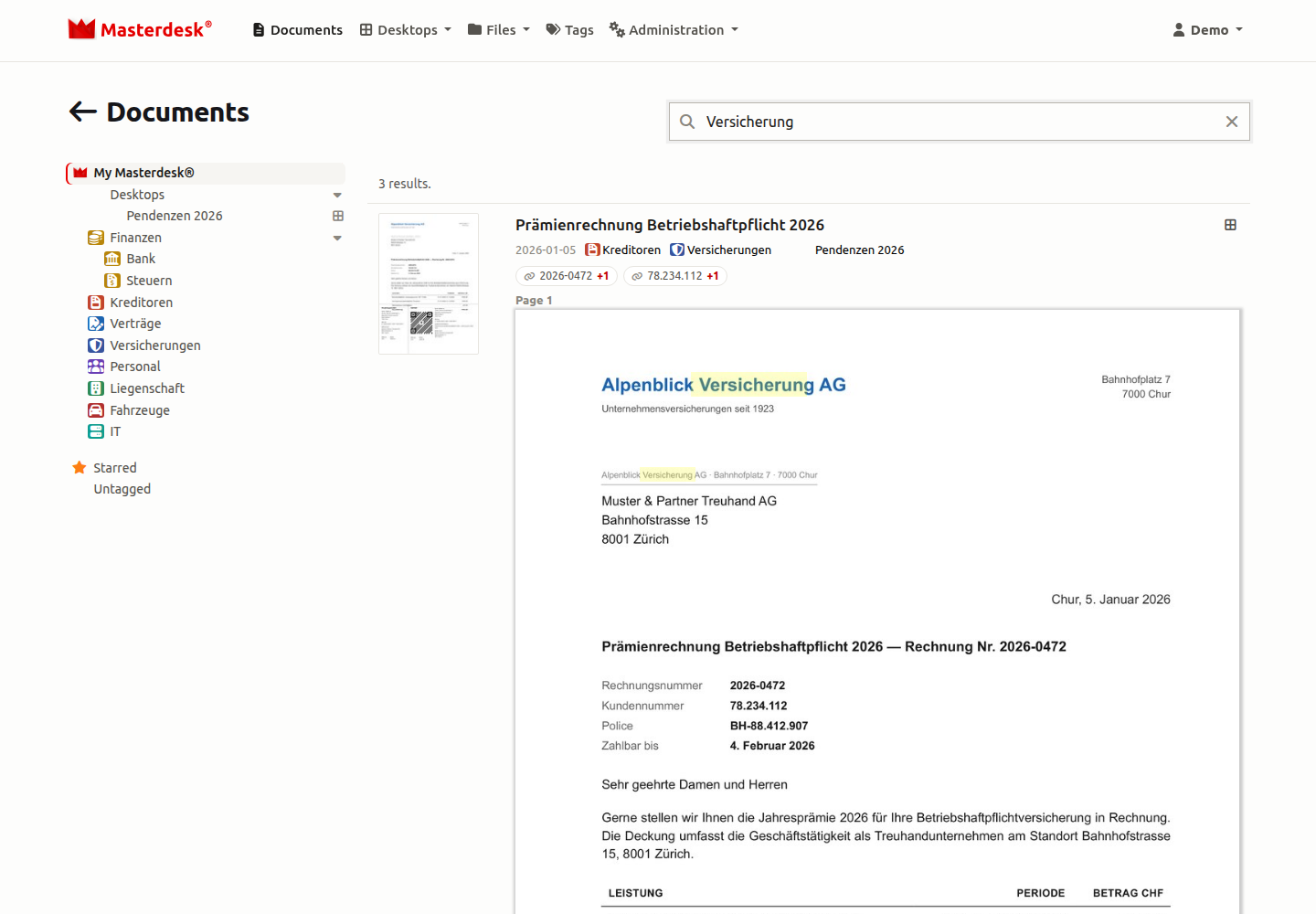
Type what you remember. Masterdesk finds the exact term — and, thanks to semantic search, also the letter whose wording you forgot long ago.
- Full-text across every page you ever captured
- Semantic search — meaning, not just matching words
- German compound words — “Versicherung” also finds the “Hausratversicherung”
- Hits highlighted directly on the scanned page
- Multilingual — every document is read in the language it was written in
Structure where you want it
Folder trees go stale; connections don't. Masterdesk holds your archive together by what documents are and what they refer to — and keeps clients and entities cleanly apart.
- Tags suggested — hierarchical, drag & drop to rearrange, the last word is yours

- Paper you can feel — page stacks fan out under your cursor, like leafing through the original
- Separate workspaces — clients, entities or departments, strictly isolated
- Reference lookup — from any number straight to its documents
- Complete history — every change recorded
Your desk, gone digital
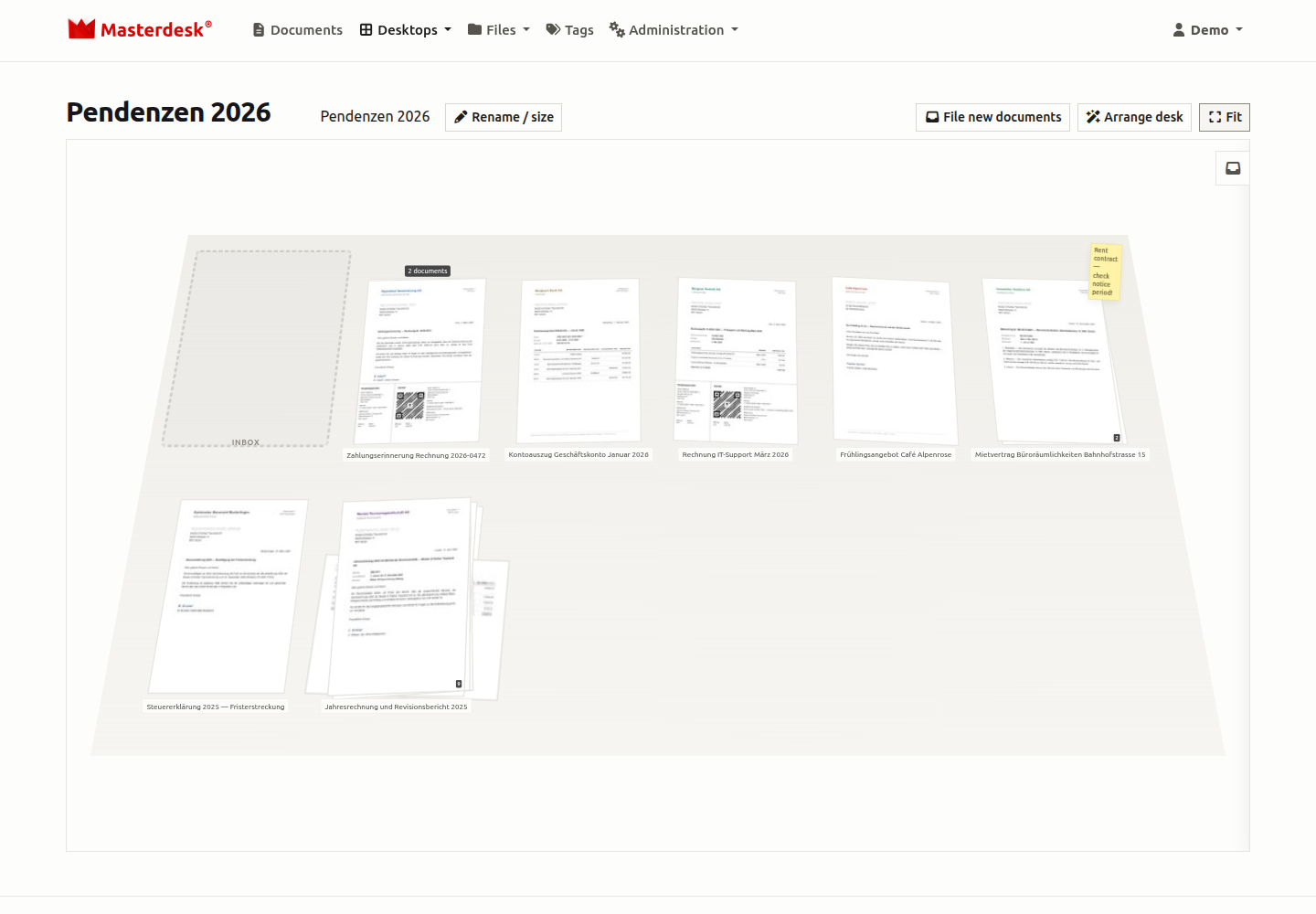
Some work wants a desk: the Monday mail pile, the tax-season stack, the deal you're closing right now. Masterdesk desktops bring real paper handling to the archive — documents lie in piles on a 3D desk you arrange the way you think — with every advantage of the paperless office intact.
- Real piles — drag documents across a zoomable 3D desk and stack what belongs together
- Piles that think — one click arranges the desk by business case
- Sticky notes — leave a note right on the desk, next to the pile it belongs to
- Still paperless — every desk is also a tag: everything stays searchable, filed and backed up
The answer travels with you — desk, meeting, site
Your whole archive travels with you — into the meeting, onto the site, onto the train. Wherever the question comes up, you have the answer, with two-factor-protected access from any device.
- Laptop, tablet, phone — one interface that adapts
- Two-factor sign-in — protected access from anywhere
- Works with your scanners — no special hardware